AI Spam Filtering
How to filter spam form submissions with AI
Use AI to automatically flag spammy and low quality form submissions - so your inbox stays focused on real users.
 DropForm
Product updates, technical insights, and practical articles on form handling, privacy, and modern web development.
Use AI to automatically flag spammy and low quality form submissions - so your inbox stays focused on real users.
Automatically spot real sales opportunities in your contact form submissions - without reading every message by hand.
Use AI priority and sentiment fields to surface the most important tickets first - so blocked and frustrated users are never left waiting.
Stop manually triaging messages. Automatically classify submissions into leads, bugs, feedback, spam - and route them using structured AI fields.
Turn every form submission into a structured insight - with automatic summaries, categorization, sentiment and priority built into your form backend.
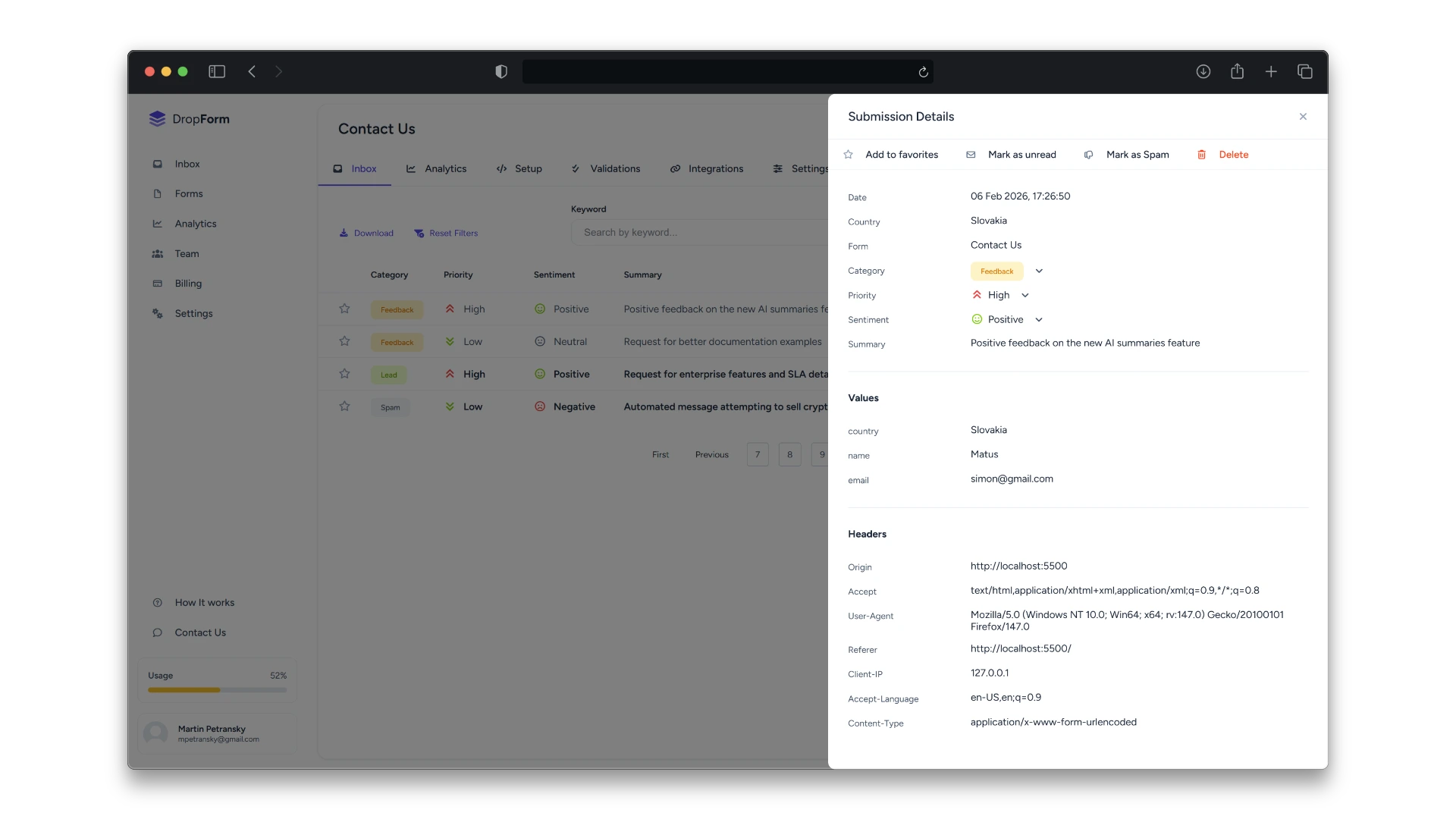
Turn every form submission into a structured insight - with automatic summaries, categorization, sentiment and priority built into your form backend.
Save every website form submission into a Google Spreadsheet automatically. DropForm appends each submission as a new row in a dedicated tab — perfect for leads, registrations, and simple reporting.
Turn contact forms, support requests, and bug reports into Trello cards automatically with DropForm — no backend or Zapier required.
Get instant Telegram notifications for every new submission using a bot token + chat ID — set it up in minutes with DropForm.
Create a Discord webhook, paste it into DropForm, and every form submission appears in your channel instantly — no custom backend needed.
Connect your website forms to Slack with DropForm so every new submission lands in the right channel in real time — no custom backend or Zapier needed.
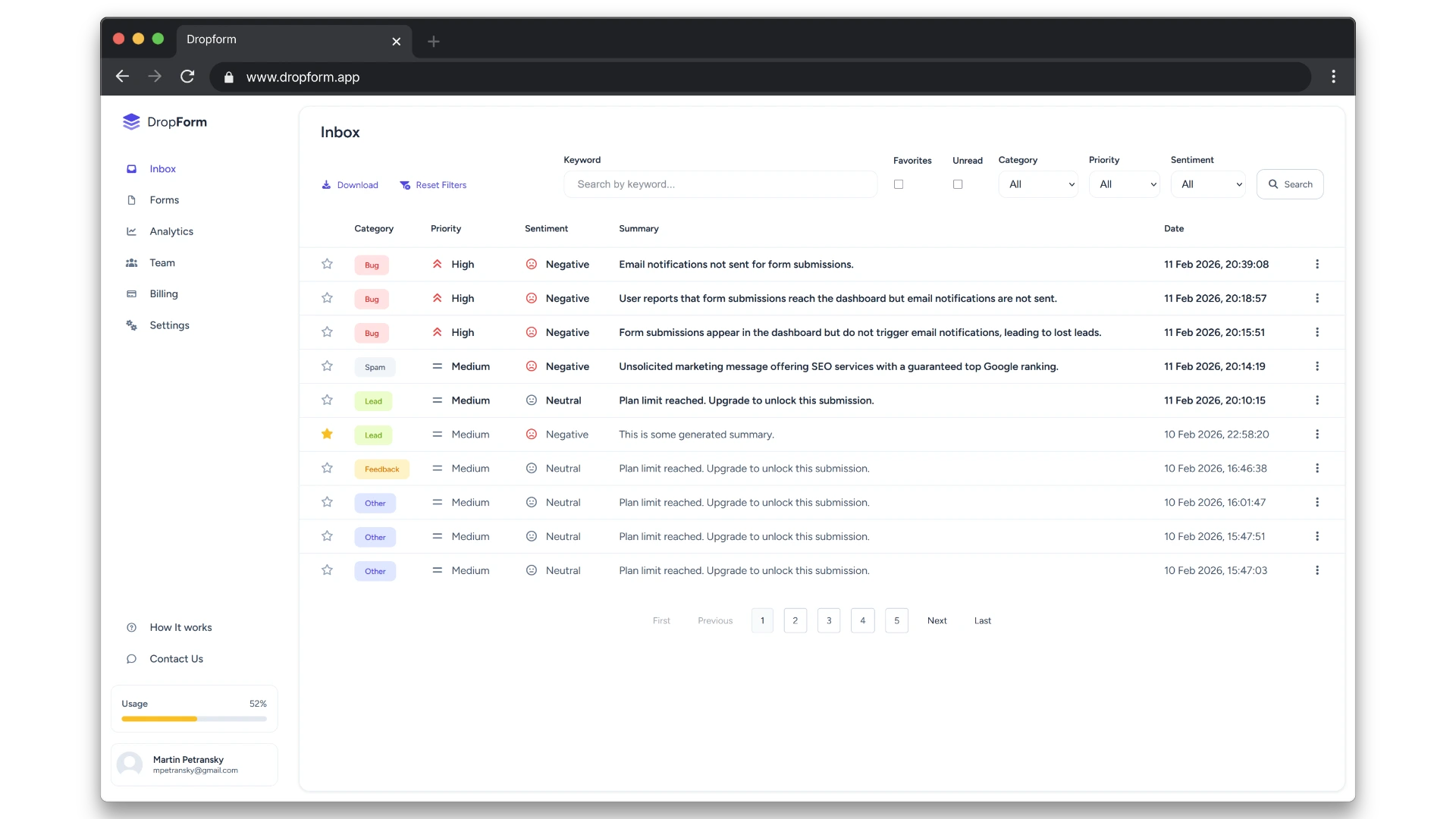
Learn why DropForm handles form submissions like an email inbox and how it makes managing leads and messages easier.